Complete policy and procedure management
for health & social care

‍
‍

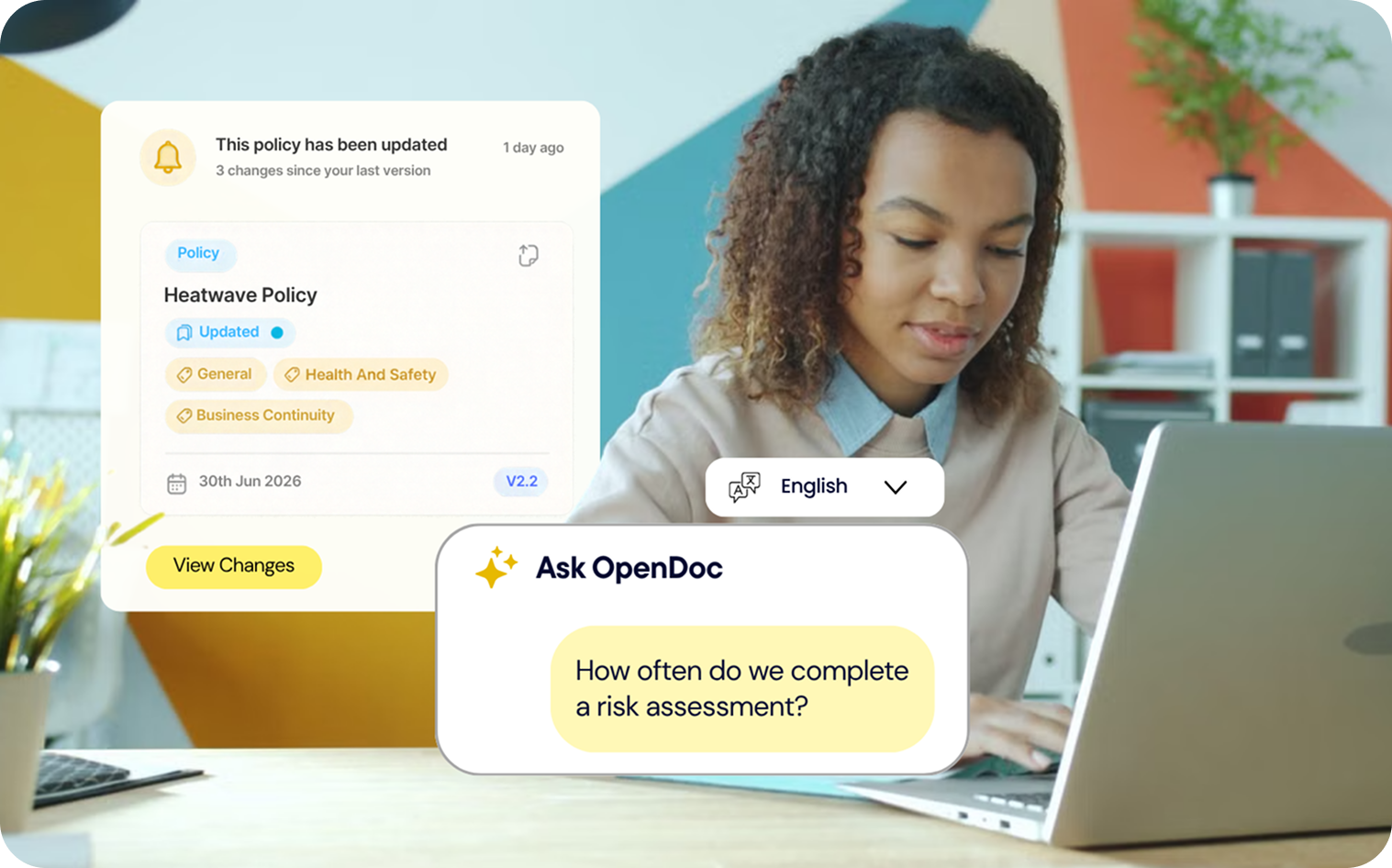
OpenDoc tracks exactly what changed and when, proves staff have read and understood it, and makes every policy accessible by voice in over 50 languages.

So you’re never left guessing about your policies, whether you’re facing an inspection or an investigation.
‍

Your policies shouldn’t just sit in a folder.

Without OpenDoc, you still have to review policies, find changes and chase staff to read them.

OpenDoc helps you manage what happens after you have the policy.
A tick icon used along with the solutions healthconnect provides
What’s changed?

Without OpenDoc:
You have to compare the old and new versions yourself.

‍With OpenDoc: You see what changed, when, and who approved it.
A tick icon used along with the solutions healthconnect provides
What changed in the guidance?
‍
Without OpenDoc:
You may not spot changes to legislation, regulation or best practice until your next review.

‍With OpenDoc: You hear about relevant changes and can review your policy straight away.
A tick icon used along with the solutions healthconnect provides
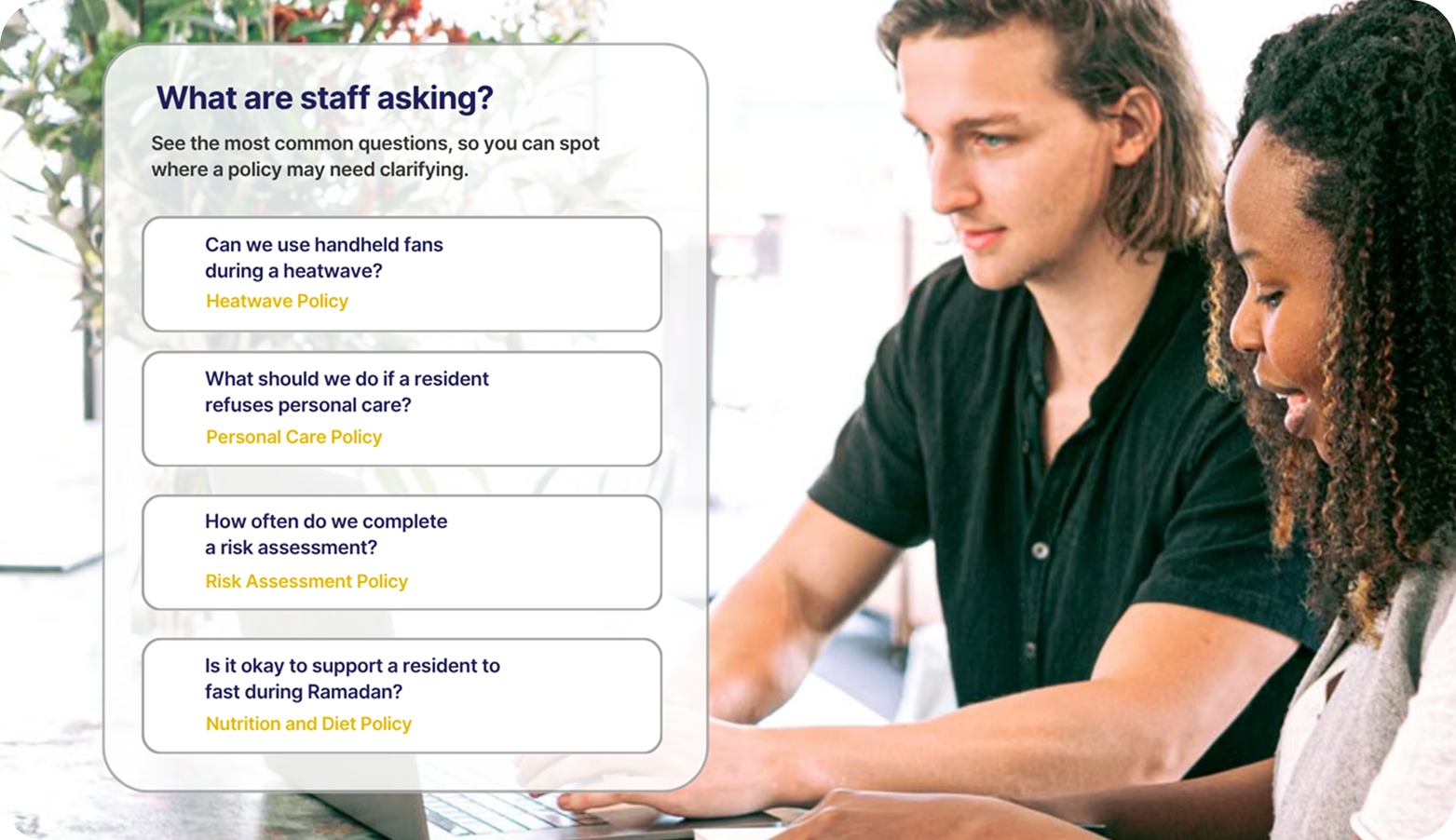
What are staff asking?

Without OpenDoc:
You rely on read-and-sign records or ask staff yourself.

‍With OpenDoc: See what staff ask about your policies and the answers they receive.

See what changed in seconds.

‍
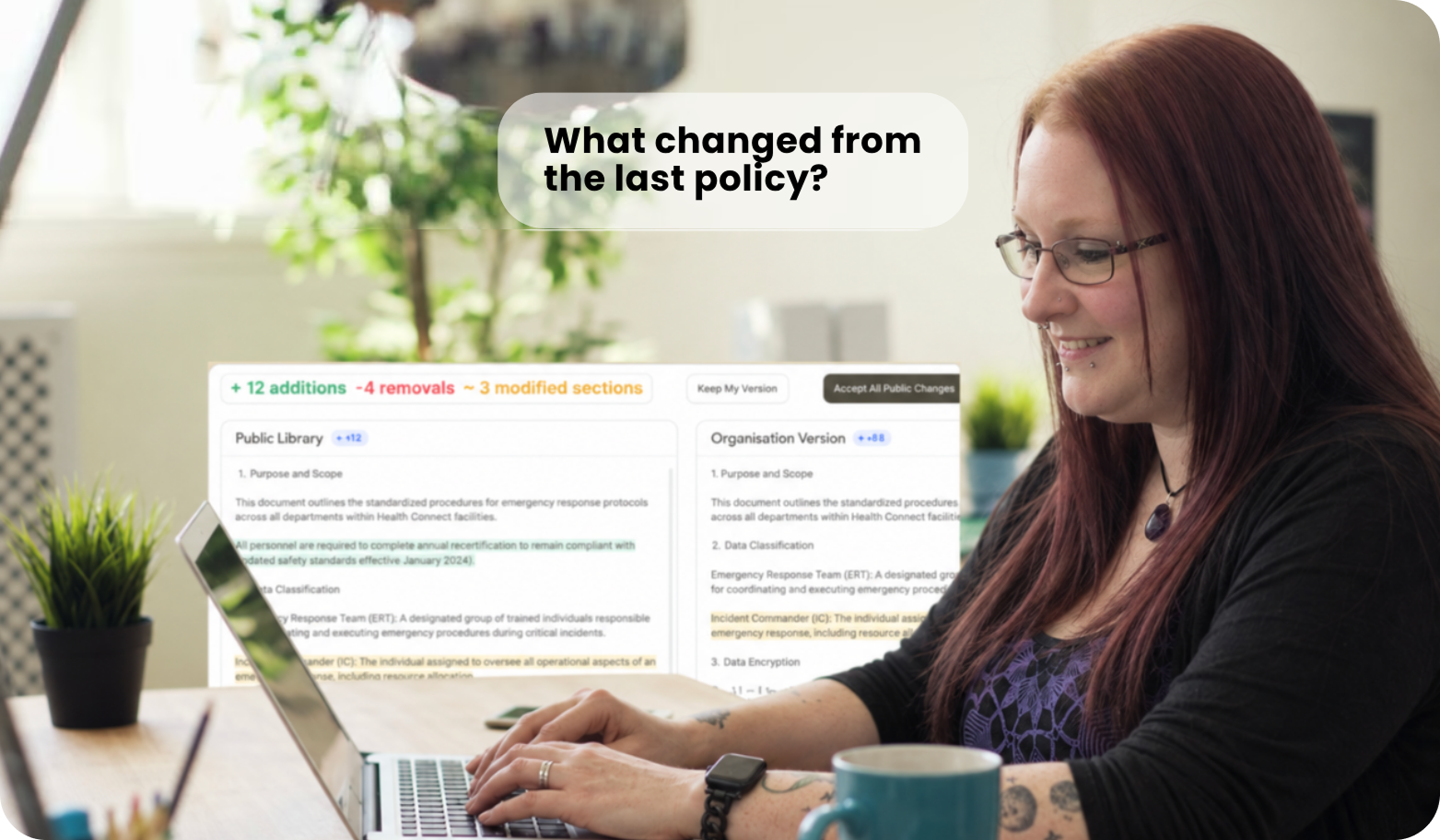
Ask OpenDoc "What changed from the last policy?" and get a clear answer.

Or open both versions side by side, with every addition, removal and edit marked.

✓ Previous and current versions
✓ What changed, and when
✓ Who approved each change
✓ The full policy history
‍

Your policies change when the guidance does

‍
A tick icon used along with the solutions healthconnect provides
We watch the guidance.

OpenDoc flags relevant changes to CQC standards, NICE guidelines and the Care Act.
A tick icon used along with the solutions healthconnect provides
Care professionals flag changes too.

‍
People working in services every day spot things a system can miss. They flag them straight to us.
A tick icon used along with the solutions healthconnect provides
Experts check every change.

‍
Nothing reaches your policies until a care expert has reviewed it

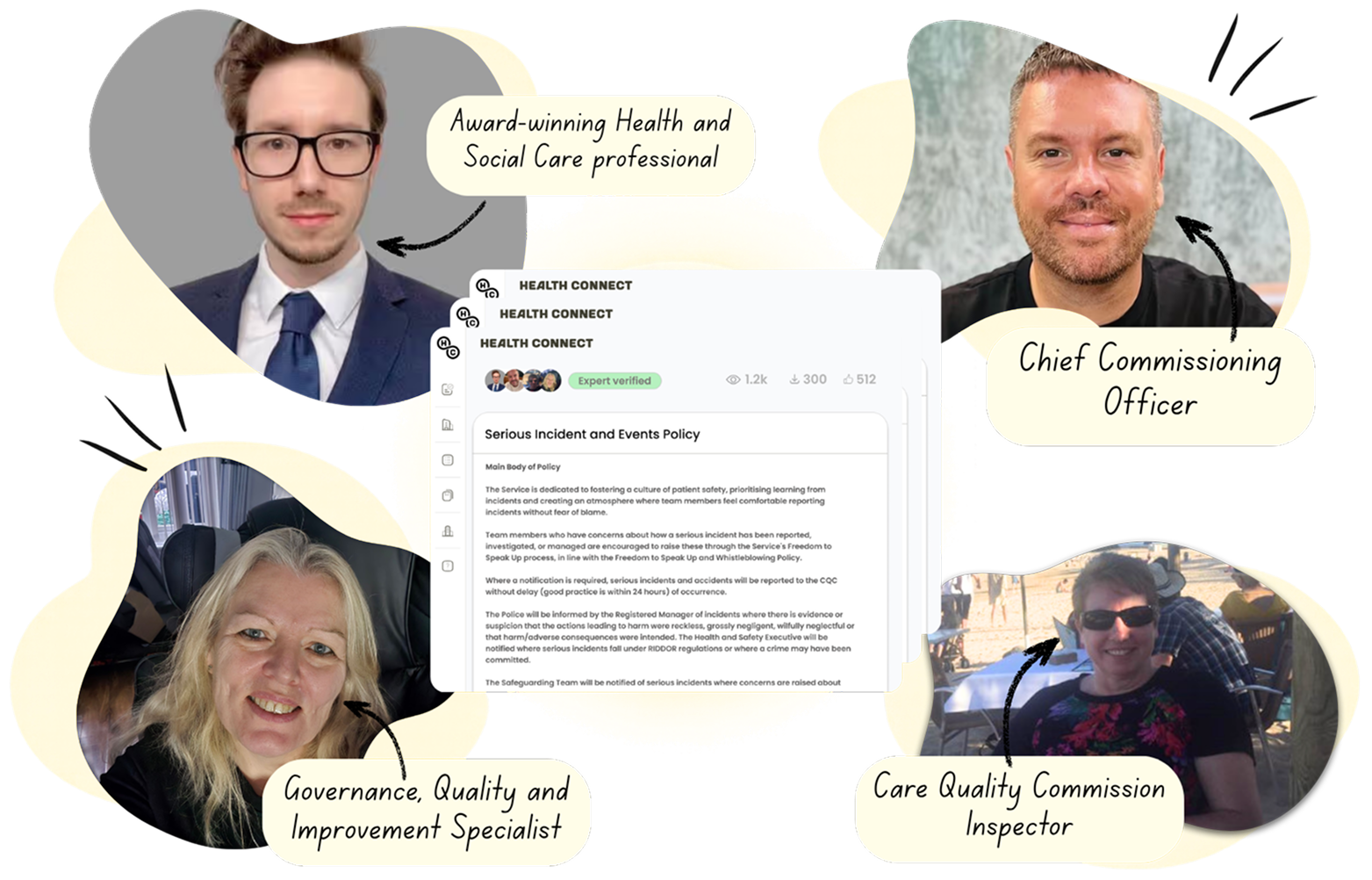
Every policy is signed off by at least three care experts.

‍
Written by people who know care

Registered Managers, current and former CQC inspectors, dietitians, frontline care workers and relatives with lived experience write and review OpenDoc policies.

No policy goes live until 3 of them have signed it off.

Open any policy to see the experts behind it, with their verified professional profiles.
What do you need for a
best-in-class
policy management system?

CQC sets clear expectations for how policies should work in practice. Here’s how OpenDoc helps you meet them.
1. Keep your policies up to date

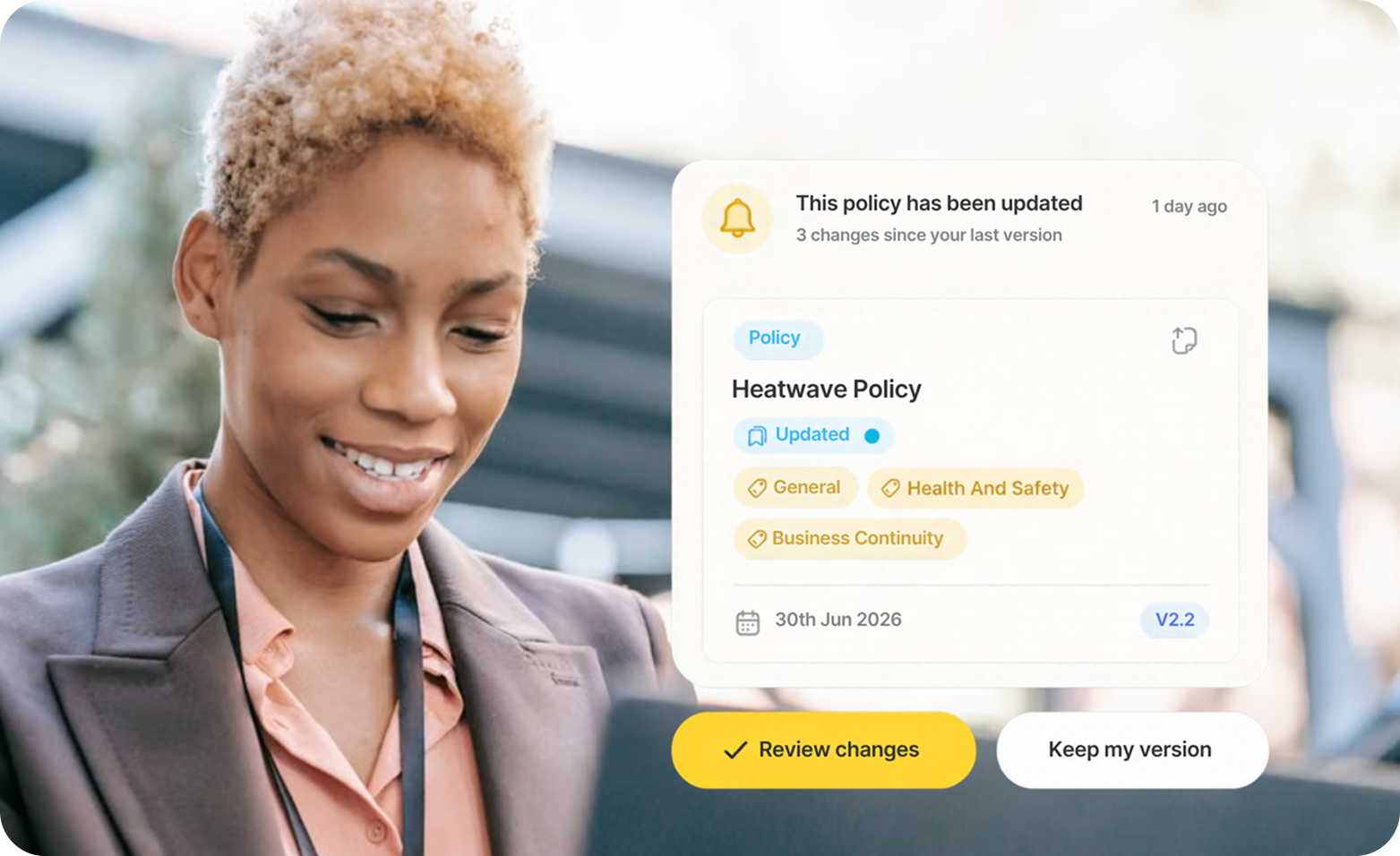
When legislation, regulation or best practice changes, relevant changes are identified and reviewed by care experts before they are published.

You can see what changed and when.
2. Give staff answers when they need them

Staff can ask OpenDoc’s AI questions about your policies in their own words, by voice or text, and get answers linked to the relevant policy and procedure. OpenDoc Voice supports 51 languages.

3. See what staff ask about your policies

Staff questions and answers are recorded, so you can see what your team needs help with and where a policy may need clarifying.
Built for care providers

One set of policies for all your services.

‍
A tick icon used along with the solutions healthconnect provides
One current version

‍
Keep one version of each policy across your services, so everyone works from the same guidance.
A tick icon used along with the solutions healthconnect provides
Keep policies and procedures separate

‍
Keep your organisation’s policies consistent while each service can have its own procedures.
A tick icon used along with the solutions healthconnect provides
Ready for growth

‍
New services start with the same policies from day one, so you can grow without creating different versions of your guidance.
Fewer risks. Nothing lost when people leave.

Protect what your organisation knows

‍
A tick icon used along with the solutions healthconnect provides
No more conflicting documents

‍
Old copies and local versions can leave staff following different guidance. Keep one current source so everyone works from the same policy.
A tick icon used along with the solutions healthconnect provides
Knowledge that stays when people leave

‍
Put what your best people know in one place, so every new starter gets the same answer.
A tick icon used along with the solutions healthconnect provides
Guidance that connects

‍
Link related documents and tag them, so connected guidance sits together and you can see what needs strengthening.

Manage your policies. Don't just store them.

Set up your Organisation
Arrow icon, to indicate this takes you somewhere on click
‍See what changed. Hear about guidance as it happens.
Know how your team uses every policy.